*NOTE: a Resource must be added here first, prior to assigning that resource to any projects. | ||
| 1 | To add resources - Click “Manage” and choose “Organisation” | 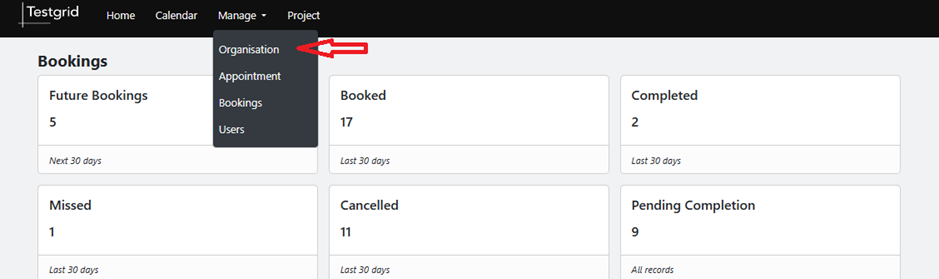 |
| 2 | Click "Resources List" then click "Add Resource" |  |
| 3 | Complete required resource details |  |
| 4 | Click “Submit” |  |
Was this article helpful?
That’s Great!
Thank you for your feedback
Sorry! We couldn't be helpful
Thank you for your feedback
Feedback sent
We appreciate your effort and will try to fix the article